Change account password
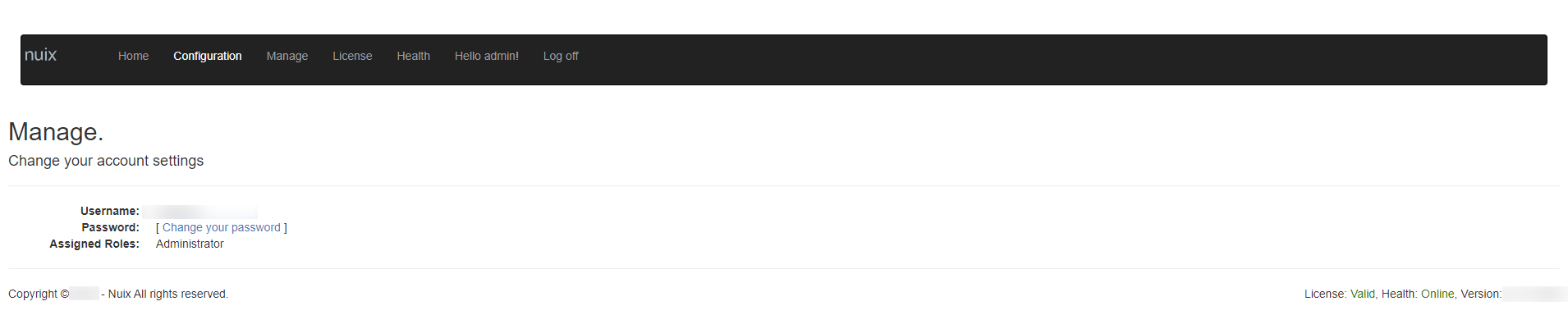
In this window, you can change your account password, as shown in the following image.
To change the password for your account:
Click Hello (Username) on the main navigation bar of the home page to display the Manage window
Click the Change your password link.
In the window that appears, enter the current password for your account.
Enter a new password in the second box and confirm the password in the third box.
Click Change Password.
Your user name is listed above your password, and your assigned roles are listed underneath your password.